




Add from any photo
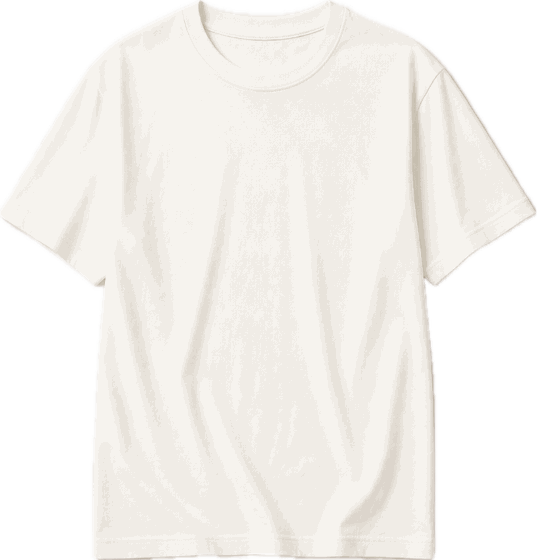
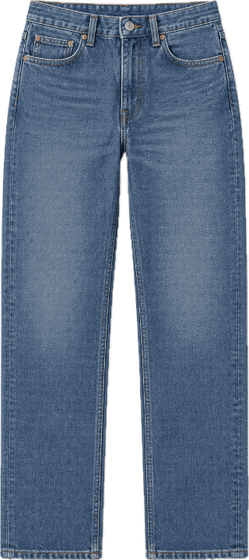
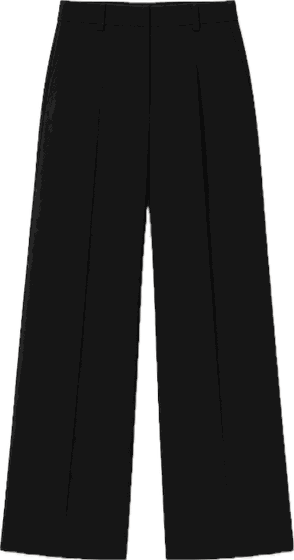
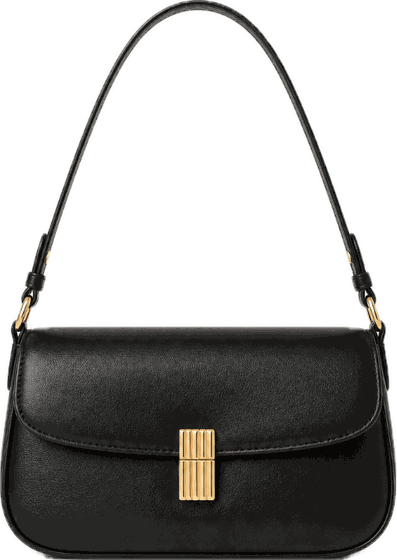
One mirror photo adds a whole outfit: top, bottoms, shoes and bag.
 chiqiGet the app
Snap a mirror photo or pick one from your library. Chiqi cuts out every piece you're wearing and turns them into a beautiful digital closet. Then it builds outfits around anything you own.

 Perfected
No studio, no measuring tape. Just the photos on your phone.

Take a full-length mirror photo or choose one from your library. One photo can hold a whole outfit.

Each garment is separated from the photo and sorted by category, color and season. All on your device.
 Perfected
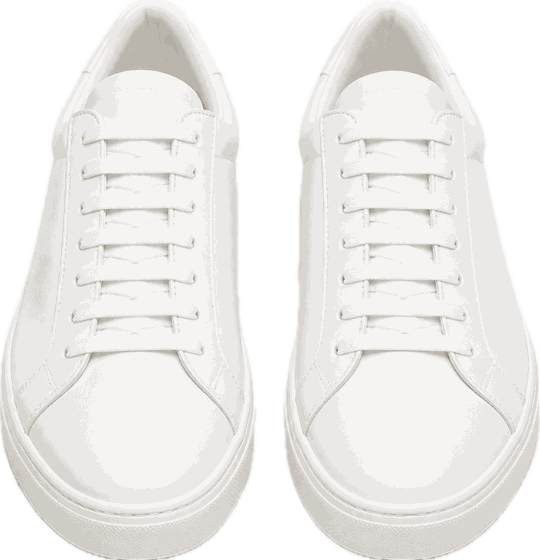
One tap turns a rough cutout into a clean, catalog-style product photo. Your closet finally looks like a store.
Pick the coat you love and Chiqi suggests outfits that work with it, for the office, a dinner or a lazy Sunday.
Plan outfits for the days ahead and skip the morning standoff with your wardrobe.
One mirror photo adds a whole outfit: top, bottoms, shoes and bag.
Looks for work, dates or weekends, made only from clothes you own.
Catalog-quality product photos of your own clothes.
Every piece is tagged by color, category and season automatically.
Lay out the week's outfits in advance.
Keep your best pieces close and share them with friends.
Pieces are cut out of your photos on your iPhone. Your photos are never uploaded.
No email, no password, no profile. Chiqi works with an anonymous ID.
We don't show ads, we don't track you and we don't sell your data.
Free forever
Weekly, monthly or yearly
No. Cutting pieces out of your photos happens on your iPhone. Only when you tap Perfect is the cutout of that single piece sent to be turned into a product photo, and it isn't stored on our servers.
No. There's no sign-up. Your subscription is tied to an anonymous ID and your Apple ID, so you can restore it on a new phone.
It turns a rough cutout of your garment into a clean, evenly lit product photo, like the ones you see in online stores.
Subscriptions are managed by Apple. Open Settings, tap your name, then Subscriptions, and cancel any time.
In the app, go to Profile and tap Delete all my data. It removes everything on your phone and deletes your anonymous account on our server.
Chiqi is coming to iPhone.
Coming soon to the App Store